
How to Send Emails with Klaviyo
The Ultimate Beginner Guide for 2026
Why Klaviyo Has Become Every eCommerce Brand’s Secret Weapon
If you run an online store or manage a growing eCommerce brand, you’ve probably heard the name Klaviyo mentioned in nearly every marketing conversation. And for good reason — it’s one of the most powerful and user-friendly platforms for building profitable, automated customer relationships through both email and SMS. It’s not just another email service provider; it’s a full-scale customer engagement engine designed to help your brand grow smarter and faster.
But here’s the thing: most people never unlock Klaviyo’s full potential because they jump straight into sending emails without understanding its underlying structure. The result? Poor deliverability, mismatched segments, and inconsistent results that waste both time and opportunity. Klaviyo is built to be a powerhouse, but like any great tool, it works best when used correctly from the start.
That’s why I’ve put together this complete beginner’s guide. Whether you’re brand new to email marketing or switching from another platform like ActiveCampaign or Mailchimp, this step-by-step walkthrough will show you exactly how to send your first email campaign using Klaviyo — from setup and importing contacts to design, scheduling, and optimization.
Quick Start Tip:
If you don’t have Klaviyo yet, create your free account here. You’ll need it to follow along with the examples and steps below.
Why You Shouldn’t Send Emails Manually (and What to Do Instead)
Let’s be honest — if you’re still sending newsletters manually from Gmail, Outlook, or a basic email provider, you’re not marketing efficiently. Manual sending might work when you have ten subscribers, but as soon as your list grows into the hundreds or thousands, it becomes unmanageable. You lose consistency, tracking, and personalization — all key factors for engagement and sales.
Sending emails manually also limits your ability to measure results. You don’t know who opened your messages, who clicked on your links, or what kind of content resonates with your audience. Klaviyo solves this by offering detailed performance analytics for every campaign, along with advanced segmentation tools to make sure every email feels tailored.
With Klaviyo, you’re not just sending emails — you’re building a communication system that adapts to each subscriber’s behavior. This means fewer unsubscribes, higher engagement, and, most importantly, more sales.
Step 1: Set Up Your Klaviyo Account and Verify Your Domain
Before you can send your first email, you need to set up your Klaviyo account correctly. This step ensures that your emails actually reach inboxes and reflect your brand professionally.
After signing up for a free account, you’ll go through an onboarding process that helps you:
- Connect your eCommerce platform (like Shopify or WooCommerce).
- Verify your sending domain (for example, hello@yourbrand.com).
- Import your customer contacts.
- Customize your email branding with your logo, colors, and fonts.
Domain verification might sound technical, but it’s absolutely crucial. When you verify your domain, Klaviyo authenticates your emails with SPF and DKIM records, which helps Internet Service Providers (ISPs) confirm that your messages are legitimate. This drastically improves deliverability and ensures your messages don’t end up in spam.
Pro Tip:
Always send emails from a branded domain. Avoid using free Gmail or Yahoo addresses, as they harm your sender reputation and look unprofessional. A verified, branded sender address immediately builds trust with your audience.
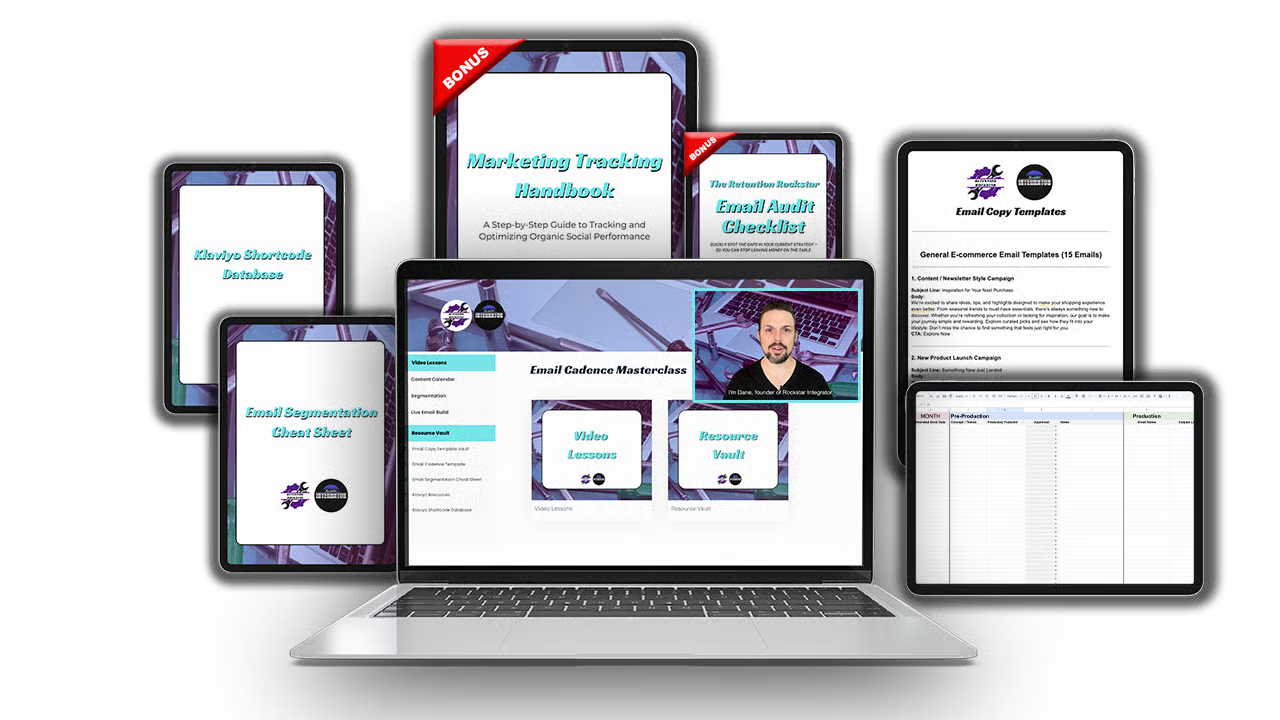 |
If you want deeper guidance on how to structure your weekly email schedule, build high-converting campaigns, and map out your entire customer journey inside Klaviyo, check out my Email Cadence Masterclass. It includes a full, live Klaviyo email build where I walk you through the exact cadence I use for eCommerce brands, along with templates you can plug into your own account. |
Step 2: Import and Organize Your Contacts
Next, it’s time to import your audience into Klaviyo. Whether you are migrating from another platform or starting fresh, this step forms the foundation of your entire email marketing strategy. You can import contacts through a CSV file, use an API connection, or automatically sync your eCommerce platform such as Shopify, WooCommerce, or BigCommerce.
When uploading manually, your CSV file should include key data like first name, last name, email address, phone number, and location. The more information you include, the more personalized your future campaigns can be. Once your contacts are uploaded, Klaviyo will prompt you to assign them to a list or segment.
Lists are static groups, which means you add or remove subscribers manually. Segments, on the other hand, are dynamic. They update automatically based on customer activity. For instance, you can create a segment for people who made a purchase in the last 30 days or for those who opened three or more emails recently.
Organizing contacts into lists and segments is what separates good email marketing from great email marketing. It ensures your messages are relevant and timely, allowing you to speak directly to a customer’s behavior or lifecycle stage rather than treating everyone the same way.
Step 3: Create and Design Your First Email Campaign in Klaviyo
Now that your contacts are imported and organized, it’s time to create your first campaign. This is where Klaviyo truly shines. Its campaign creation process is streamlined, intuitive, and built for both new users and experienced marketers.
Start by navigating to the Campaigns tab and selecting Create Campaign followed by Email. Give your campaign a descriptive name like “Welcome to Our Brand” or “Holiday Collection Launch.” This helps you track performance later when reviewing analytics.
After naming your campaign, you will choose your audience. You can send to a full list, a specific segment, or exclude certain contacts entirely. For example, you might want to send your latest offer to people who have not purchased in the last 60 days, while excluding your most active customers.
Once your audience is selected, click Continue to Content to open Klaviyo’s drag-and-drop builder.
Using Klaviyo’s Drag-and-Drop Builder
Klaviyo’s visual email builder is incredibly flexible and beginner-friendly. You can start with a blank canvas or use one of the many pre-built templates designed for newsletters, promotions, announcements, or holiday campaigns. Templates are fully customizable, so you can adjust colors, fonts, and layouts to match your brand identity.
On the left-hand side of the editor, you’ll find content blocks like text, images, buttons, dividers, and product feeds. Drag them into your layout to build your email step-by-step. The live preview updates instantly, so you can see how everything looks before sending.
A standout feature of Klaviyo’s builder is its dynamic content blocks. You can automatically insert products, recommendations, or personalized content based on what each customer has viewed or purchased. This allows every subscriber to receive a version of your email tailored specifically to their interests.
Pro Tip:
Before sending, preview your email in both desktop and mobile view. More than half of all eCommerce emails are opened on smartphones, and small design tweaks can make a big difference in readability and conversions.
Step 4: Personalize and Optimize Your Email Content
Personalization is where Klaviyo truly outperforms other email platforms. Beyond simply inserting a customer’s first name, Klaviyo allows you to tailor messaging based on customer behavior, preferences, and purchase history.
For example, if a customer recently browsed skincare products, your next campaign can highlight your top-selling cleanser or moisturizer. If another subscriber has not opened an email in a while, you can automatically include a special incentive like a discount code or free shipping offer.
To personalize your emails, use dynamic variables like {first_name} or {favorite_product} directly in your text or subject lines. This creates a conversational tone that makes readers feel recognized. You can also add conditional blocks that show or hide content depending on specific customer attributes.
Once your personalization is set, review your subject line and preview text. These are your first impression in the inbox. Keep them concise, clear, and curiosity-driven. Testing two variations through an A/B test is also a smart move to see what resonates most with your audience.
Step 5: Schedule and Send Your Campaign
When you are happy with your design and content, move to the Review and Send page. Here, you will confirm your campaign’s settings, such as sender name, reply-to email, and target audience. Double-check that you are using a verified sending domain and that all tracking options, such as Google Analytics UTM parameters, are enabled.
Klaviyo gives you two options for delivery: Send Now or Schedule Later. If you schedule your campaign, you can choose a specific date and time or let Klaviyo’s Smart Send Time feature predict when your audience is most likely to engage. This predictive sending uses historical engagement data to automatically optimize delivery windows for better open rates.
Pro Tip:
If your audience spans multiple time zones, use Klaviyo’s send based on recipient’s local time feature. It ensures that every subscriber receives your email at the right hour of their day, which significantly boosts engagement and conversions.
|
By the way, if you’re looking for help choosing what to send, when to send it, and how to keep your Klaviyo calendar organized, my Email Cadence Masterclass walks you through everything. You’ll see a full live Klaviyo email build, real examples, and frameworks you can apply immediately to improve your campaigns. |
Step 6: Review Analytics and Track Performance
When you are happy with your design and content, move to the Review and Send page. Here, you will confirm your campaign’s settings, such as sender name, reply-to email, and target audience. Double-check that you are using a verified sending domain and that all tracking options, such as Google Analytics UTM parameters, are enabled.
Klaviyo gives you two options for delivery: Send Now or Schedule Later. If you schedule your campaign, you can choose a specific date and time or let Klaviyo’s Smart Send Time feature predict when your audience is most likely to engage. This predictive sending uses historical engagement data to automatically optimize delivery windows for better open rates.
Pro Tip:
If your audience spans multiple time zones, use Klaviyo’s send based on recipient’s local time feature. It ensures that every subscriber receives your email at the right hour of their day, which significantly boosts engagement and conversions.
Step 7: Follow Best Practices for Successful Email Campaigns
To get the best results from Klaviyo, follow these proven best practices that will keep your list healthy and your campaigns profitable:
- Segment smartly. Send targeted emails to engaged subscribers and avoid over-emailing inactive ones.
- Keep your tone conversational. Emails that sound human outperform corporate messages by a wide margin.
- Use consistent branding. Fonts, colors, and style should match your website and social channels.
- Monitor deliverability. Regularly remove bounced or inactive emails to protect your sender score.
- Experiment frequently. Test different subject lines, visuals, and send times to discover what works best for your audience.
Building an effective email strategy takes time, but Klaviyo’s detailed insights and automation tools make the learning curve much shorter. Every campaign you send is an opportunity to gather data and improve your next one.
Troubleshooting: What to Do if Your Klaviyo Emails Aren’t Sending
Even with a solid setup, you might encounter a few hiccups, especially when you are new to the platform. If your emails are not sending or landing in spam, the first thing to check is your domain authentication. Make sure your SPF and DKIM records are correctly added in your DNS settings.
If deliverability looks fine, review your sending list. Contacts who never opted in or marked previous emails as spam can cause reputation issues that limit your reach. Klaviyo also has strict sending thresholds for new accounts, so gradually warm up your sender reputation before sending to your full list.
Lastly, use the Preview and Test Email feature before going live. Send a test message to your own inbox and confirm that everything appears as expected on desktop and mobile.
|
If you want to go beyond abandoned carts and start sending consistent, revenue-generating campaigns, my Email Cadence Masterclass walks you through everything step by step. Inside, I show you how to plan your content, write faster, and set up a reliable Klaviyo sending schedule that engages your audience week after week. |
Next Steps: Move from Campaigns to Automated Flows
Once you have sent your first campaign and reviewed the results, it is time to explore Klaviyo’s most powerful feature: Flows. These are automated sequences that run 24/7, engaging your customers without manual effort.
Popular flows include welcome sequences for new subscribers, abandoned cart reminders, post-purchase thank-you emails, and win-back campaigns for lapsed customers. Each flow can be customized based on specific triggers and conditions, allowing you to create a seamless customer journey that feels intentional and timely.
Start Sending Smarter, Not Harder
You now know how to set up your Klaviyo account, import your contacts, design your campaigns, and analyze your results. These are the essential skills every eCommerce brand needs to grow its audience, strengthen customer loyalty, and drive consistent revenue.
The beauty of Klaviyo lies in how it combines automation, analytics, and personalization into one cohesive system. It allows you to create experiences that feel thoughtful, not robotic, and connect with customers in ways that build long-term trust.
If you are ready to take your email strategy to the next level, start with a free Klaviyo account and implement what you learned here today. And if you want a customized strategy built for your brand, book a consultation so we can map out your next high-performing campaign together.
Dane Schwaebe
Founder

Email Not Driving Sales?
This checklist will show you what’s broken or missing.


Join The Newsletter
Ready to elevate your brand’s email strategy? Join our newsletter for templates, design inspiration, and automation tips
Click below to sign up now!
Ready to elevate your beauty brand’s marketing?
Follow on social and join our newsletter for exclusive insights on email strategy, automation, and conversion design
Ready for an email strategy that actually converts?
Book a free 20-minute consultation to see how we can help your beauty brand grow through smarter automation.
Explore More Insights

Why Your Klaviyo Sign Up Form Won’t Submit or Add Subscribers
Klaviyo signup forms are one of the most powerful tools for collecting email subscribers, offering promotions, and growing your audience. When they work correctly, forms appear exactly where and when you choose, helping you turn website visitors into long-term...

Single Opt In vs Double Opt In in Klaviyo
Email acquisition is one of the most important parts of running an eCommerce business, and Klaviyo gives you several ways to collect subscribers. One of the most common questions new users ask is whether they should use single opt in or double opt in for their signup...

How to Create High-Converting Abandoned Cart Emails in Klaviyo
Klaviyo gives every eCommerce brand a huge head start by offering prebuilt flows the moment you connect your store. One of the most powerful is the out-of-the-box Abandoned Cart flow. It includes the right triggers, delays, and dynamic product blocks to begin...